See a chat and write right away from a Home screen widget.
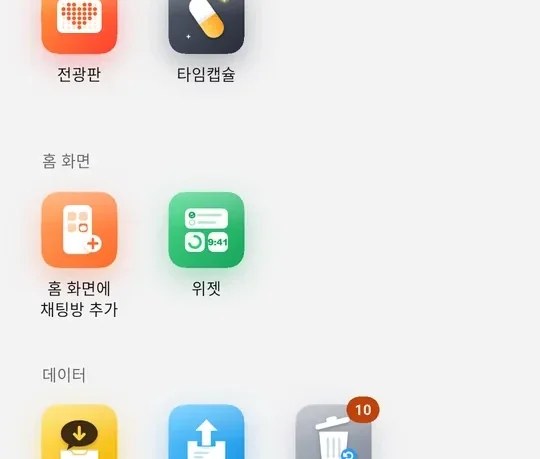
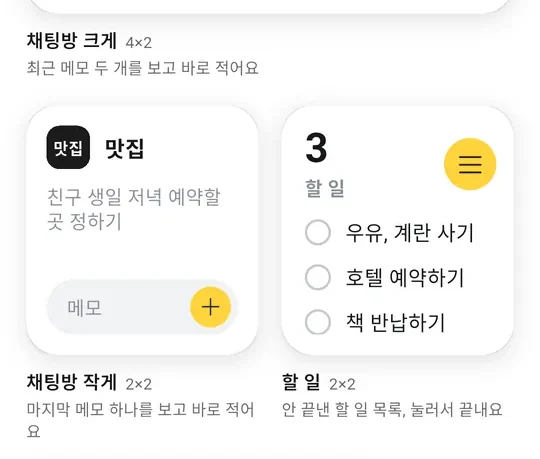
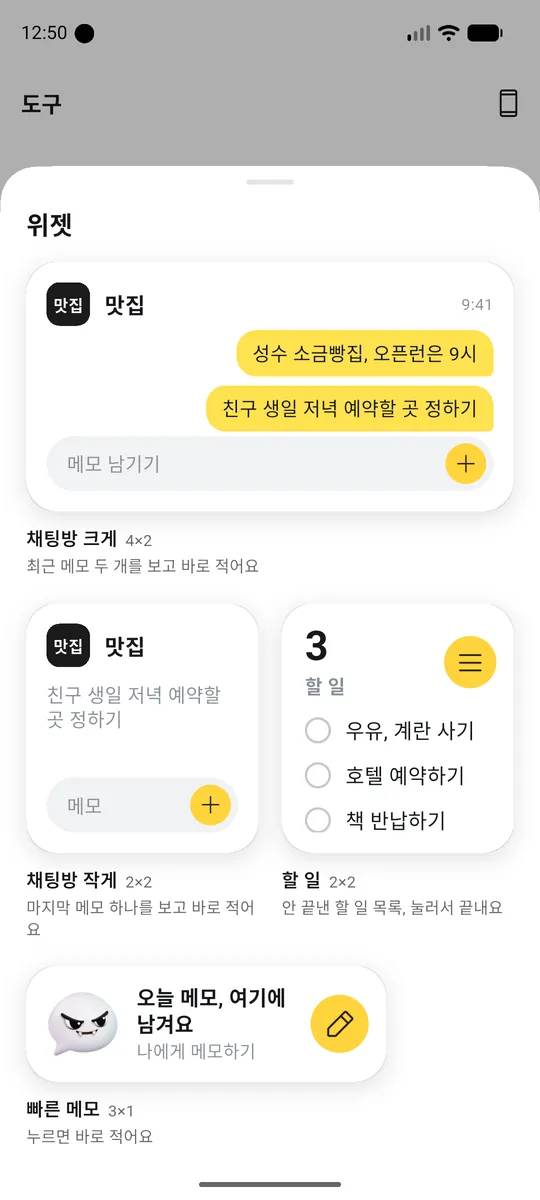
In Tools, tap Widgets and pick the widget you want.
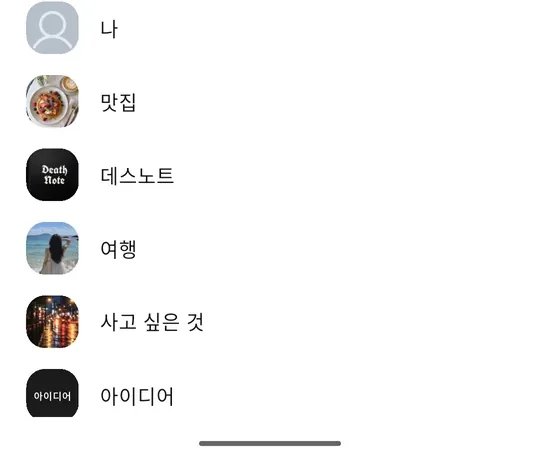
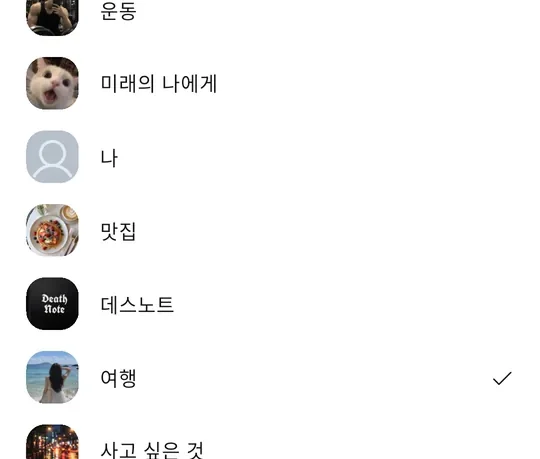
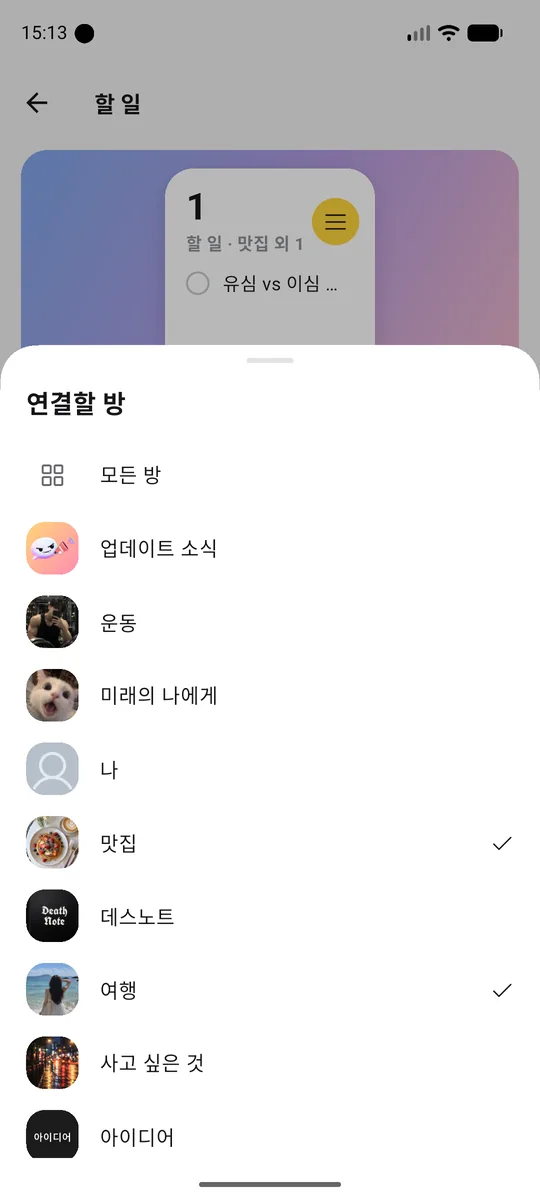
Tap Linked chat and pick a chat.
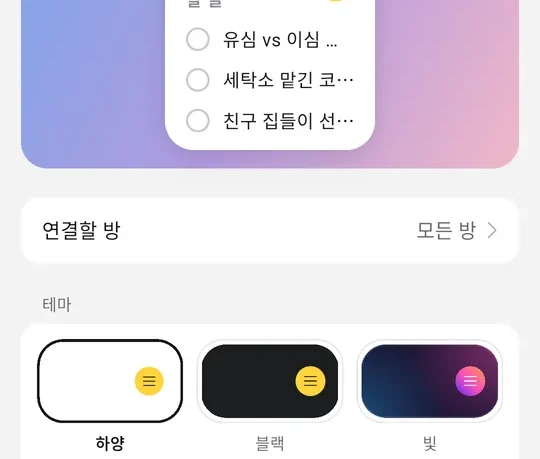
The to-do widget can link several chats.
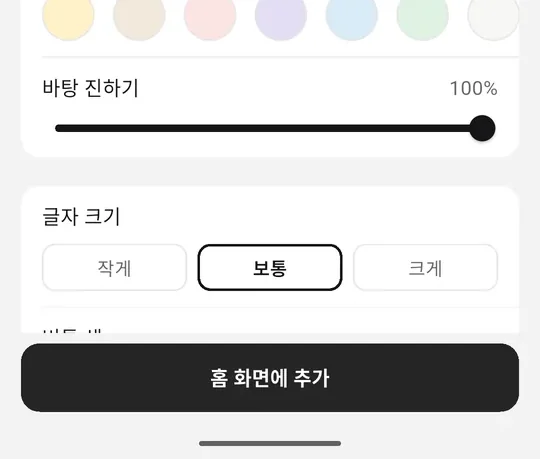
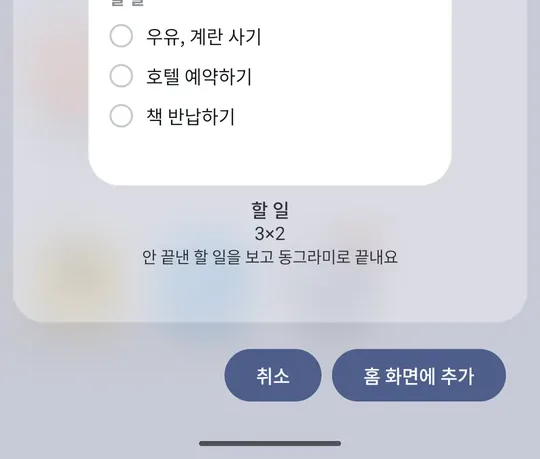
Tap Add to Home screen, then tap Add to home screen again in the pop-up.
Touch and hold the widget and tap the pencil or Settings to change it.
In Tools, tap Widgets to see what they look like.
Touch and hold an empty spot on the Home screen, tap Edit → Add Widget and pick Chat With Me.
Touch and hold the widget and pick a chat and theme in Edit Widget.