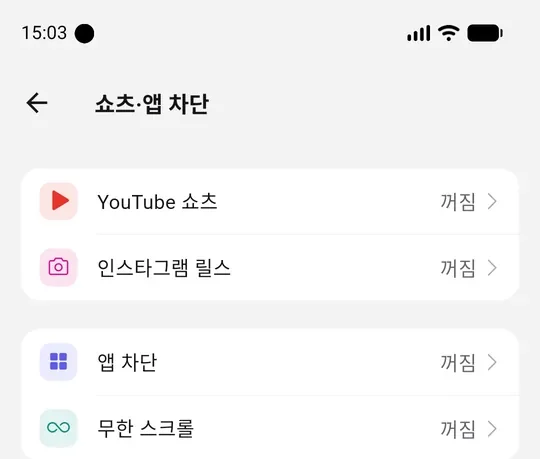
Blocks only YouTube Shorts and Instagram Reels, even in Chrome.
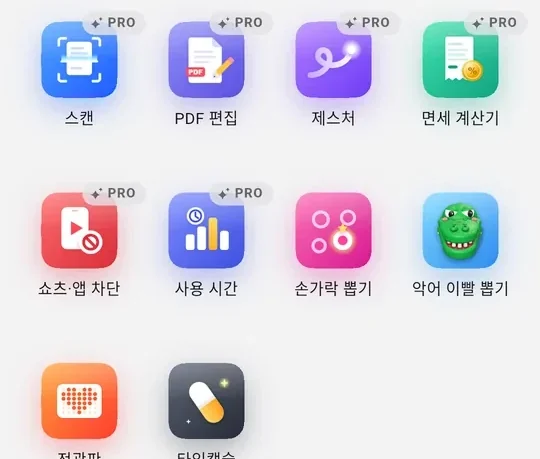
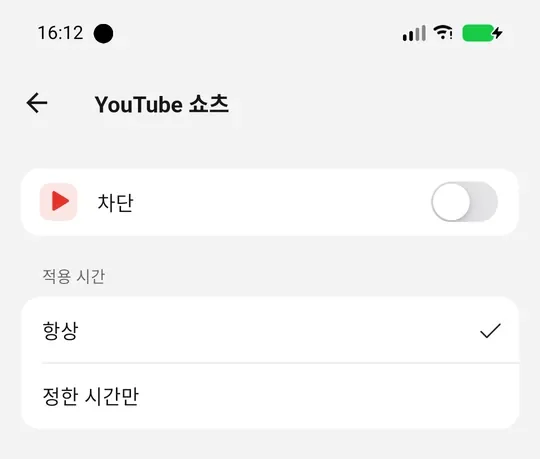
In Block Shorts & apps, tap YouTube Shorts or Instagram Reels and turn on Block.
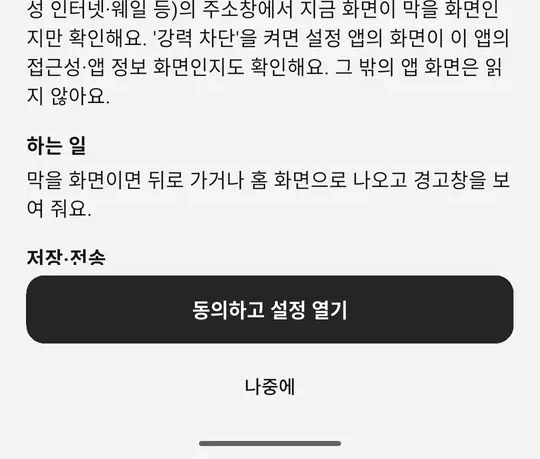
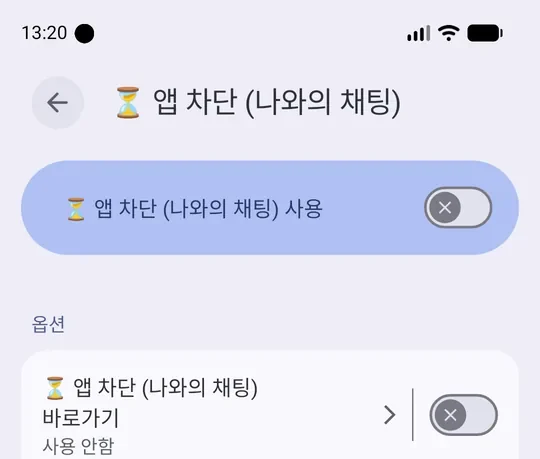
Tap Agree and open settings, then turn on '⏳ App Block (Chat With Me)' in Accessibility.
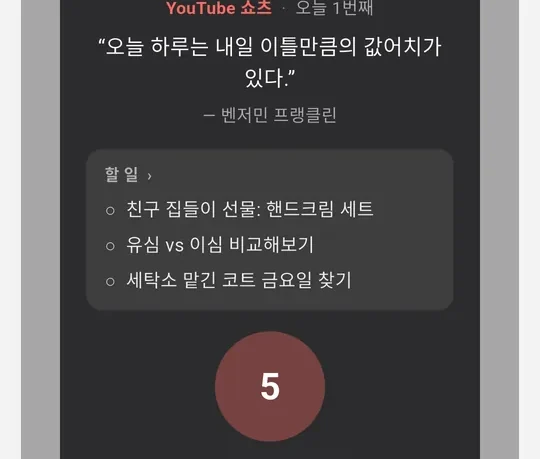
When it blocks, tap To-do in the warning to open your to-do list.
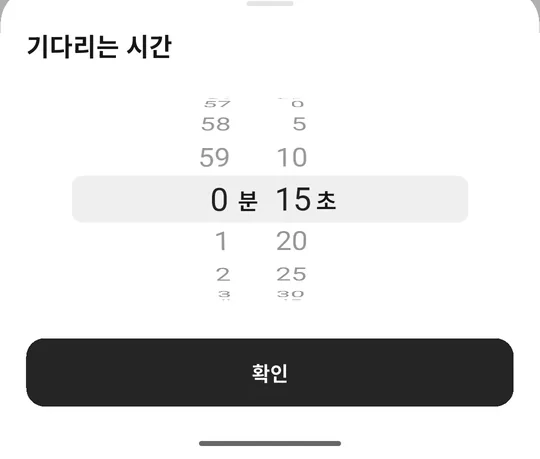
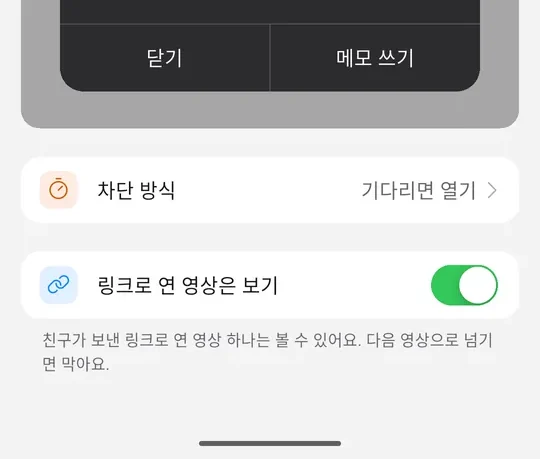
Tap Blocking style and pick Block right away, Quick look or Open after a wait.
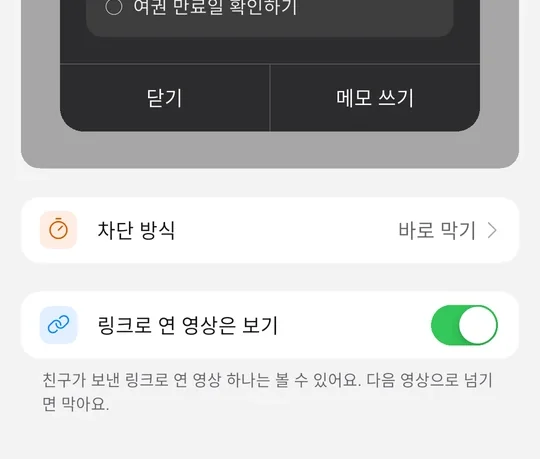
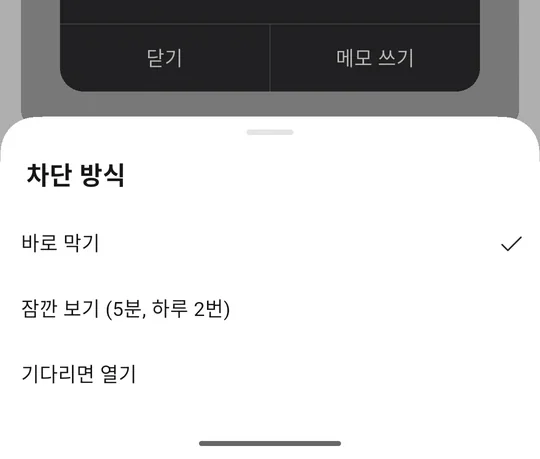
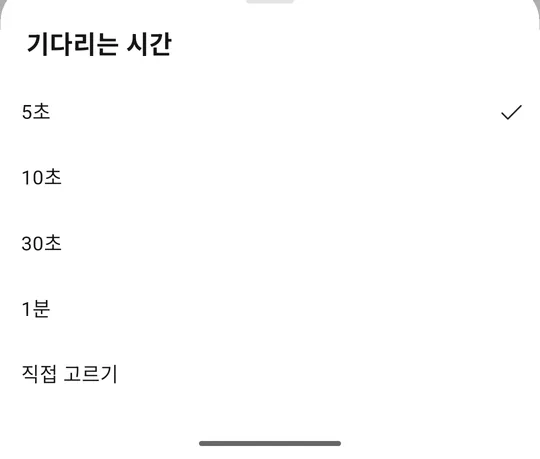
Tap Wait time or Look time and pick a time, or set your own with Custom.
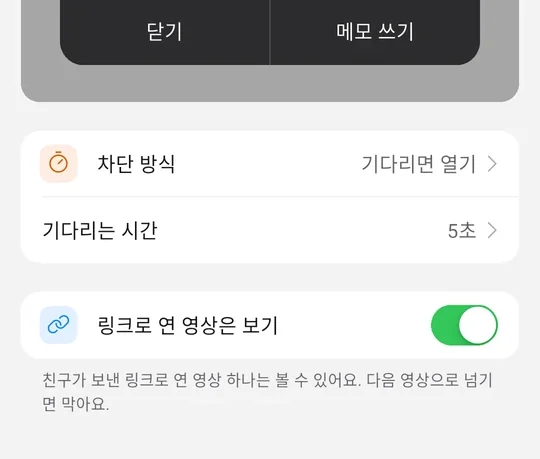
Turn on Allow videos opened from links to watch one video sent as a link.
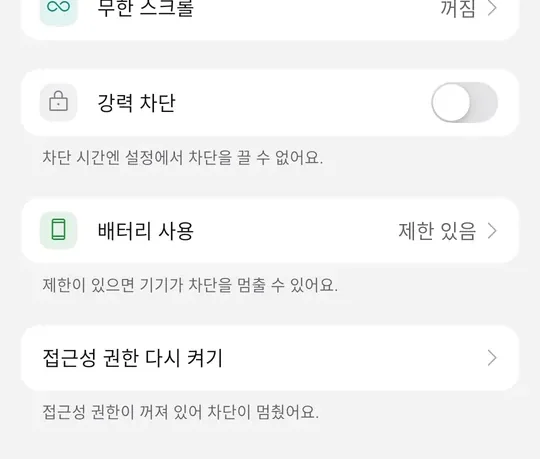
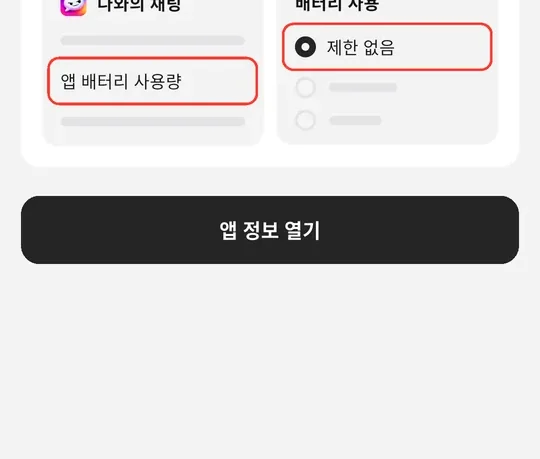
If Battery usage says Restricted, tap it and follow steps 1, 2 and 3.