Lock a single chat with your fingerprint or face.
In the chat, open ≡, tap Lock this room, then tap Lock.

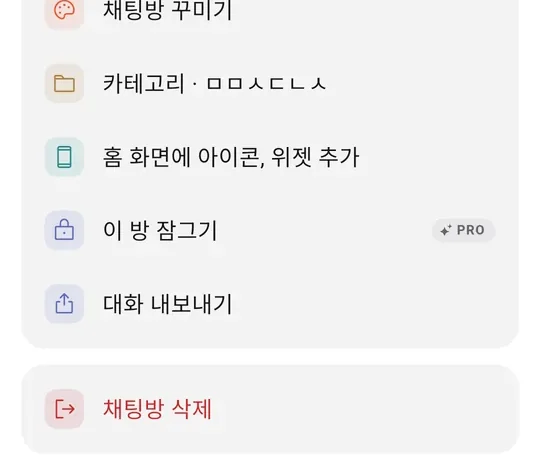
To open a locked chat, confirm with your fingerprint, face or screen lock.

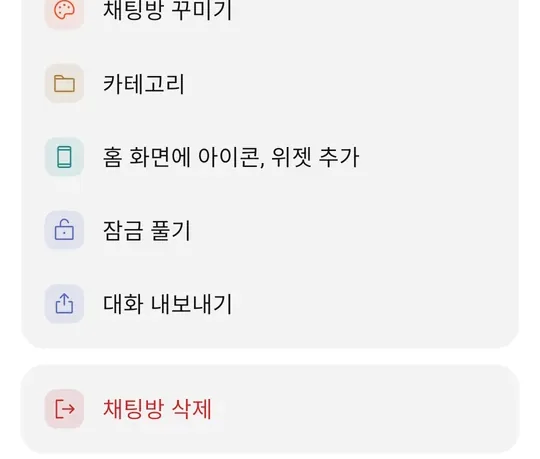
To remove it, open ≡ in the chat and tap Remove lock.

Lock a single chat with your fingerprint or face.
In the chat, open ≡, tap Lock this room, then tap Lock.
To open a locked chat, confirm with your fingerprint, face or screen lock.
To remove it, open ≡ in the chat and tap Remove lock.