Bring your KakaoTalk notes over, dates and all.
Text only
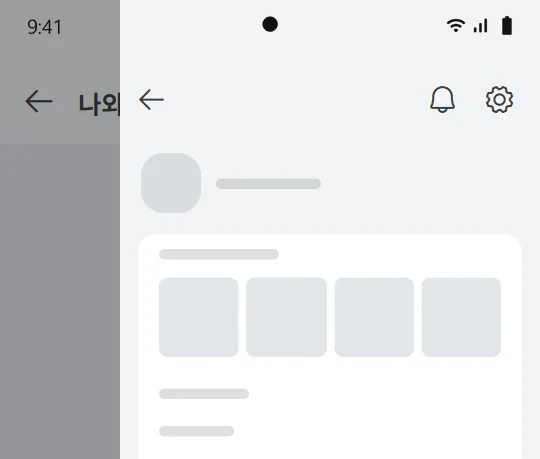
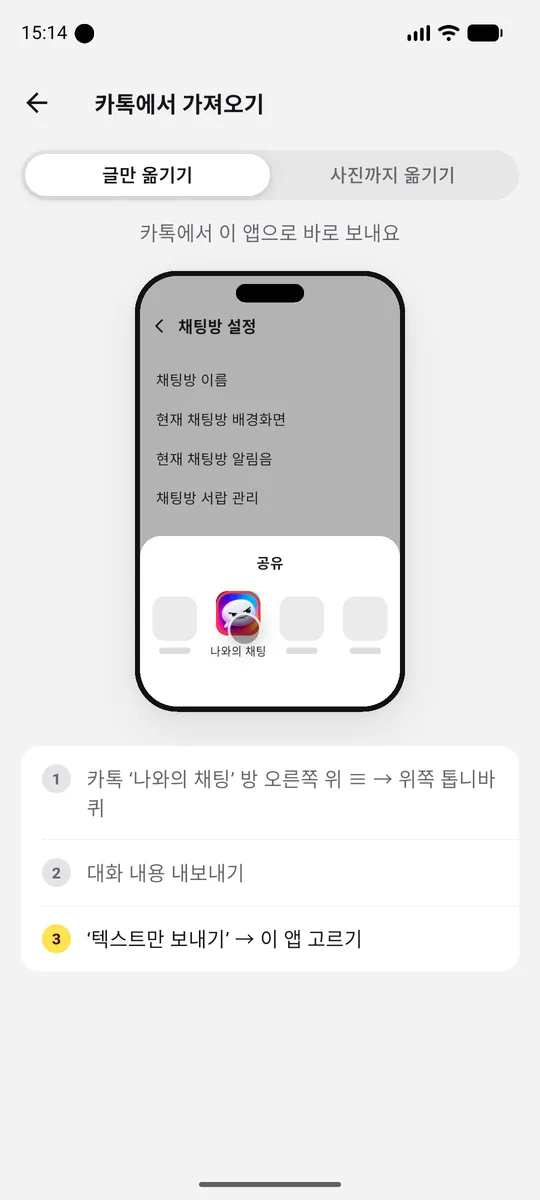
In your KakaoTalk chat with yourself, tap ≡ at the top right → the gear at the top.

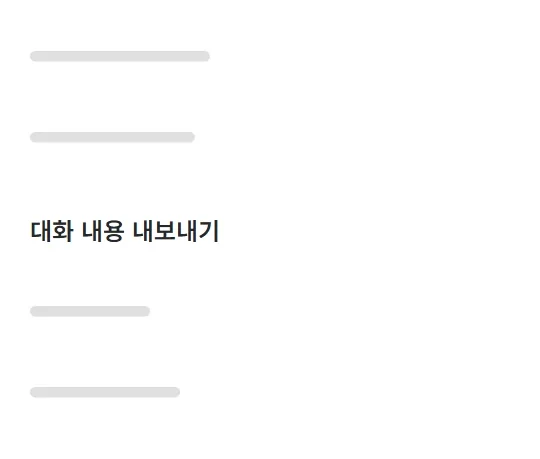
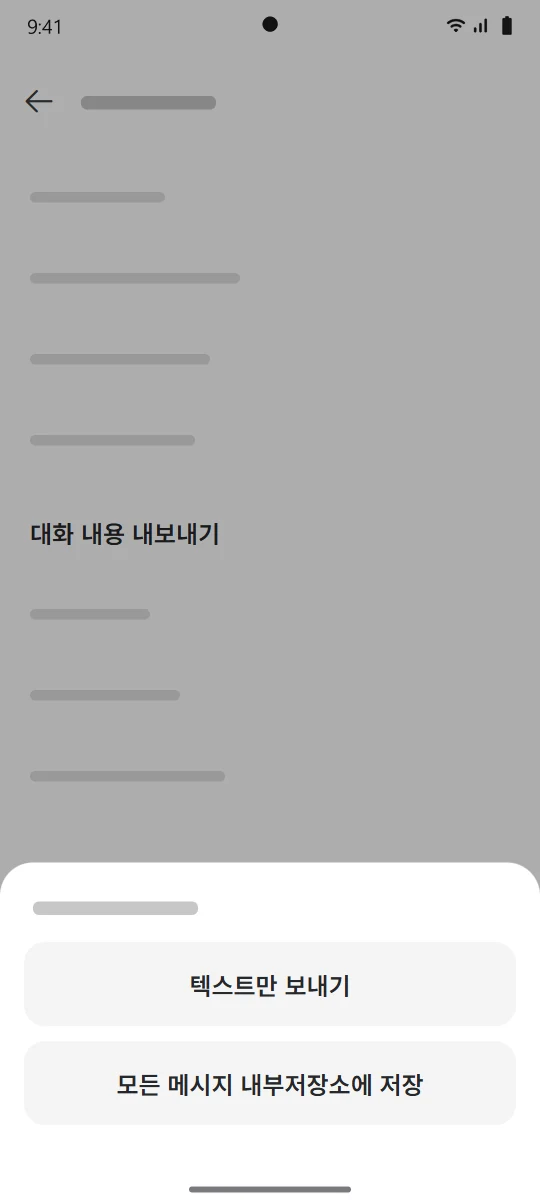
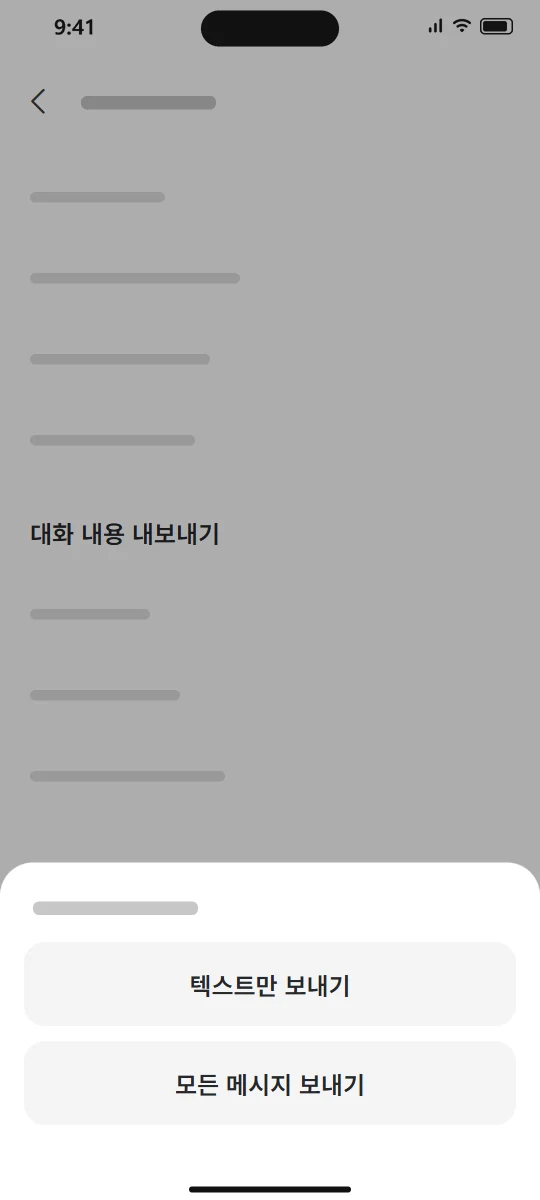
Tap Export chat.
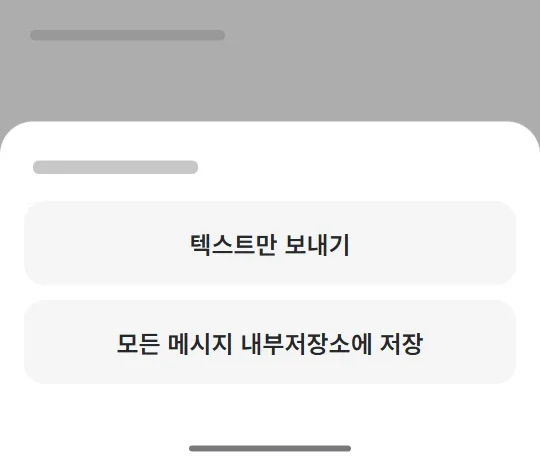
Tap 'Send as text' and pick Chat With Me in the share sheet.

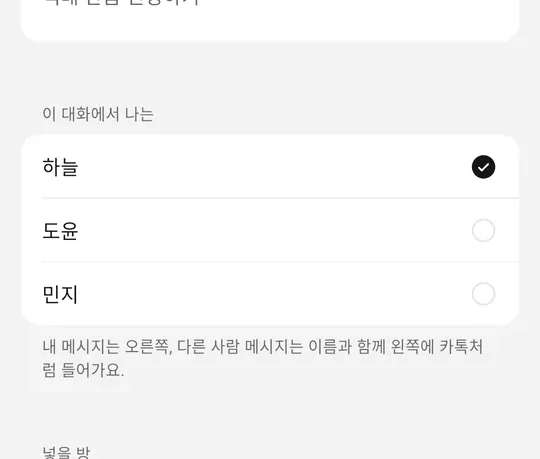
For a chat with others, pick your name under In this chat, I am.
Pick a chat and tap Import.
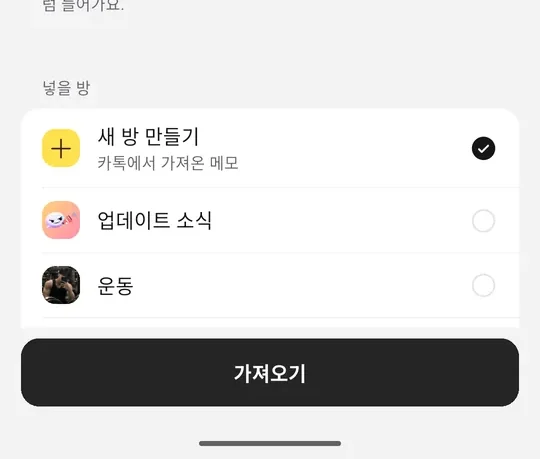
In your KakaoTalk chat with yourself, tap ≡ at the top right → the gear at the bottom.
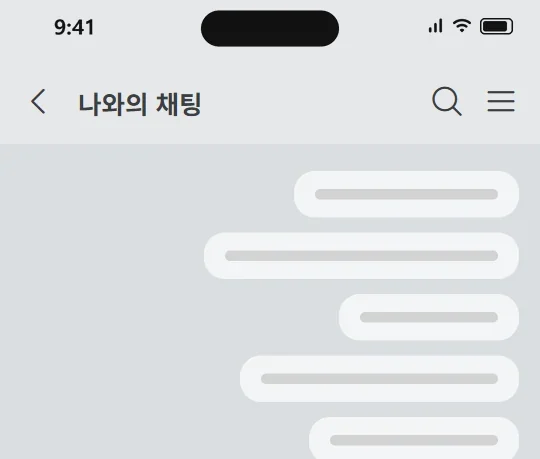

Tap Export chat.
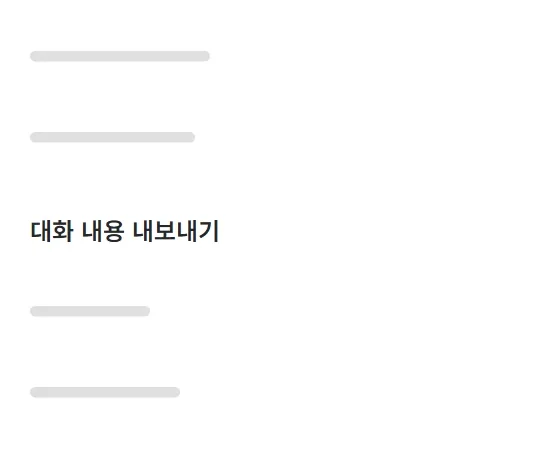
Tap 'Send as text' and pick Chat With Me in the share sheet.
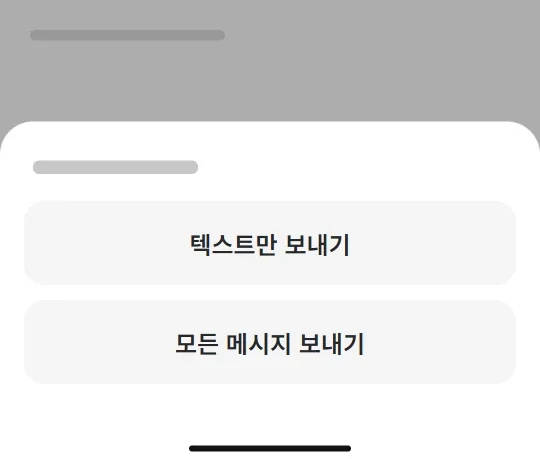

For a chat with others, pick your name under In this chat, I am.
Pick a chat and tap Import.
With photos
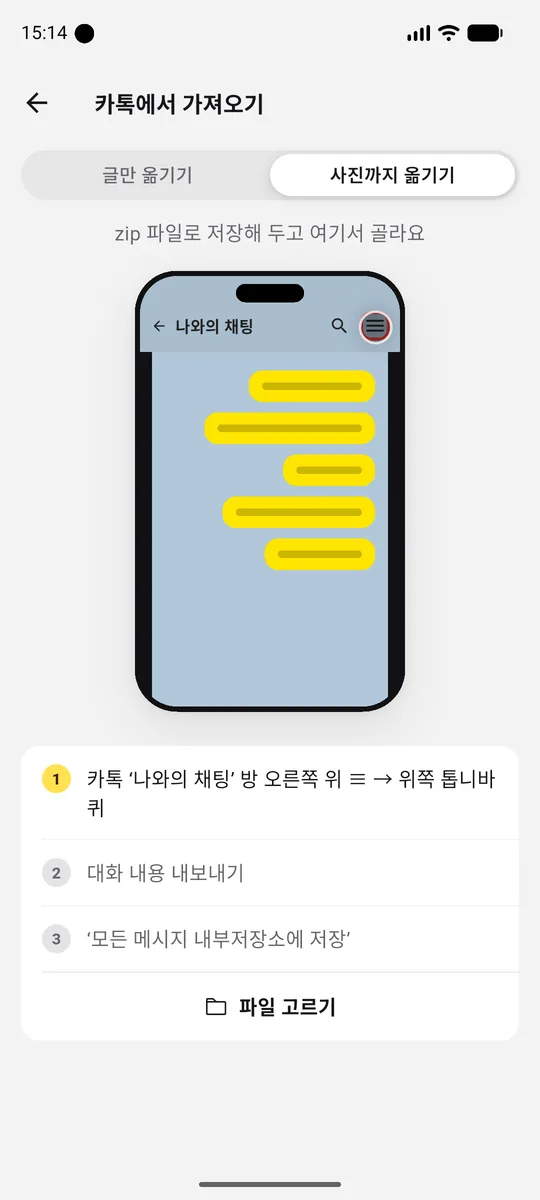
In your KakaoTalk chat with yourself, tap ≡ at the top right.
Tap the gear → Export chat.
Tap 'Save all messages to internal storage'.
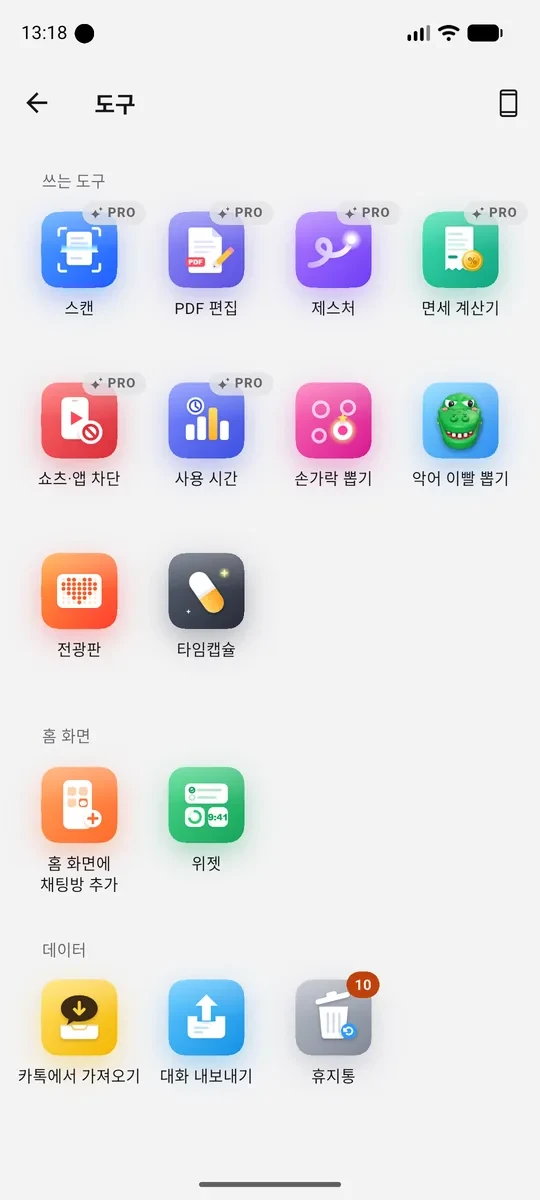
In Tools > Import from KakaoTalk > With photos, tap Choose file and pick the saved file.

For a chat with others, pick your name under In this chat, I am.
Pick a chat and tap Import.
In your KakaoTalk chat with yourself, tap ≡ at the top right.
Tap the gear → Export chat.
Tap 'Save all messages to internal storage'.
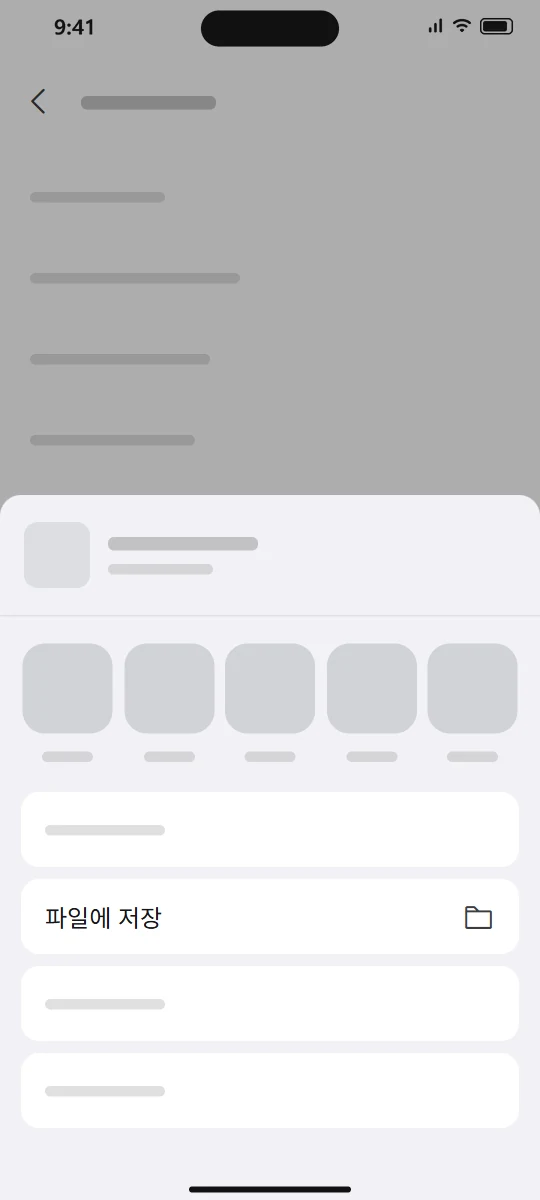
In Tools > Import from KakaoTalk > With photos, tap Choose file and pick the saved file.

For a chat with others, pick your name under In this chat, I am.
Pick a chat and tap Import.