Swipe the handle and draw, even in other apps.
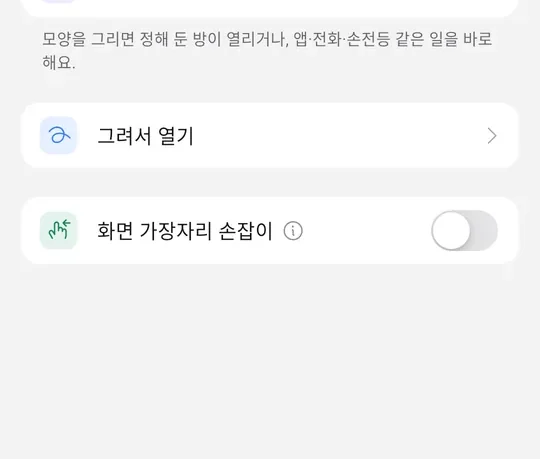
In Gestures, turn on Edge handle and tap Open settings.
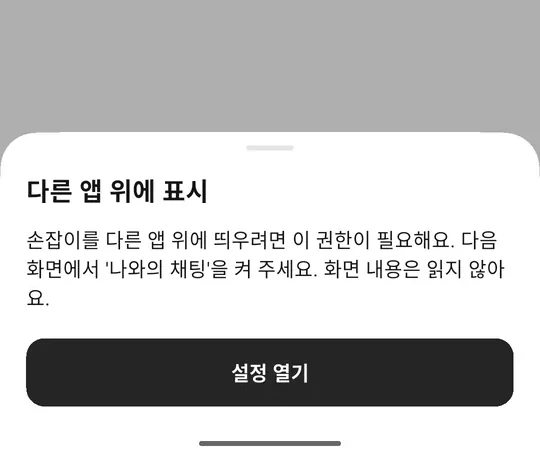
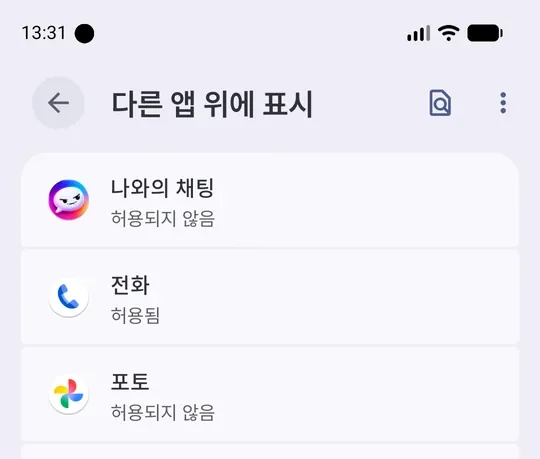
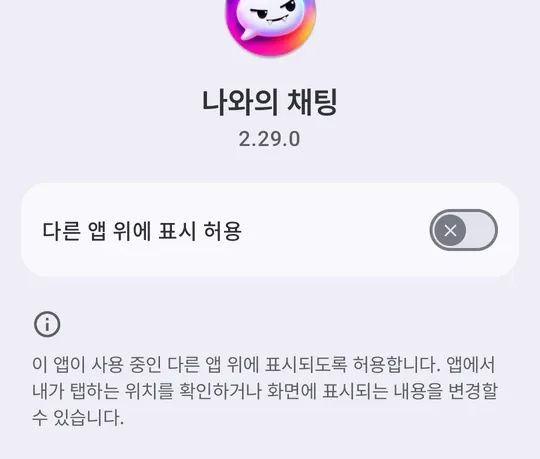
Tap Chat With Me and turn on Allow display over other apps.
Swipe the handle inward and draw a saved shape.
Drag the handle up or down to move it.
Swipe the handle and draw, even in other apps.
In Gestures, turn on Edge handle and tap Open settings.
Tap Chat With Me and turn on Allow display over other apps.
Swipe the handle inward and draw a saved shape.
Drag the handle up or down to move it.